Claude (made by Anthropic) and ChatGPT (made by OpenAI) are both large language model assistants, but they are not the same: Claude builds working apps, designs and reusable skills inside the chat, while ChatGPT is stronger at generating photo-style images. This guide walks through five things Claude does differently, gives you a prompt to try for each in a few minutes, and is honest about where ChatGPT is still the better pick.
At a glance
| # | Difference | What Claude does | Try it in |
|---|---|---|---|
| 1 | Artifacts | Builds real dashboards and mini apps, not just text, and can pull live data from your apps | 2 min |
| 2 | Claude Design | Turns one sentence into a full, editable professional design | 3 min |
| 3 | Skills | Saves your instructions once; one command runs them in your exact format | 5 min |
| 4 | Plugins | One click installs a whole toolkit of skills for your job | 2 min |
| 5 | Memory import | Brings what ChatGPT knows about you into Claude, so it knows you from day one | 3 min |
Artifacts and Design work on the free plan. Some features, like Claude Code for video editing, need Pro or higher.
1. Artifacts: real apps, not just text
Ask most chatbots for a dashboard and you get a description or a block of code. Ask Claude and you get a working dashboard in a panel beside the chat, which you can click, change and share with a link.
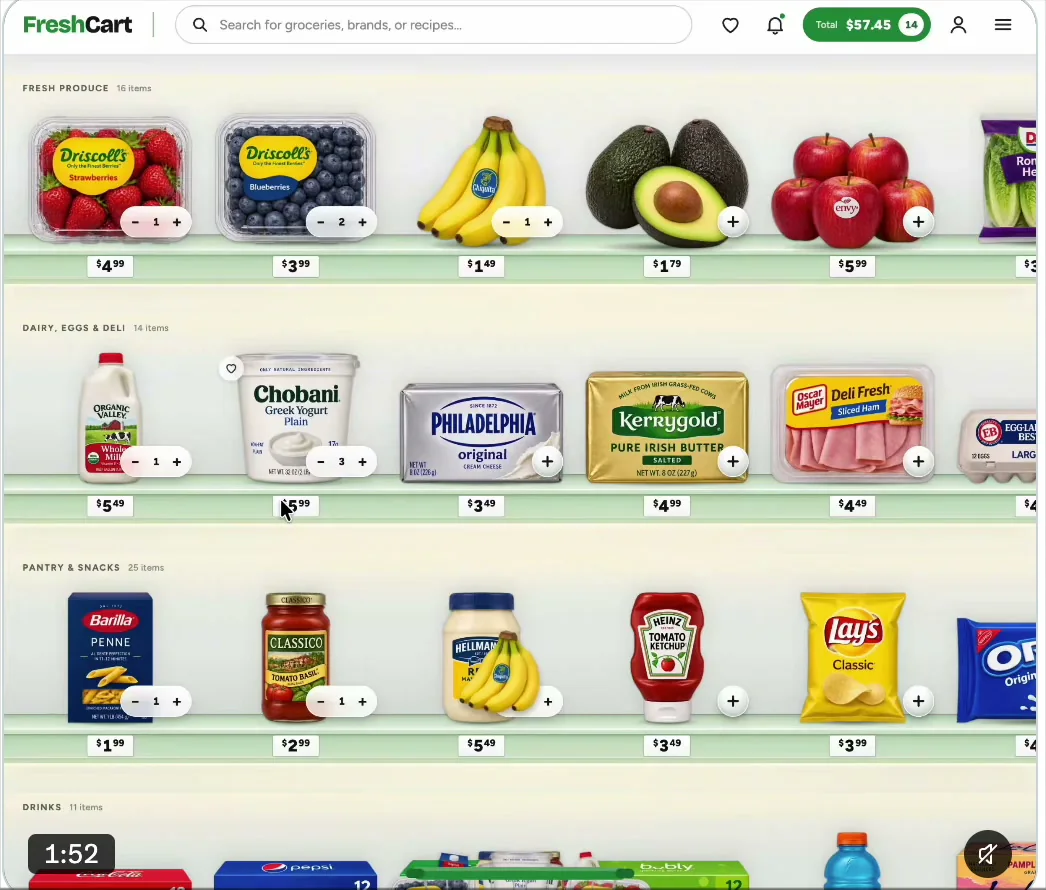
- It works straight away. No copying code, no setup.
- It can pull live data from apps you've connected, such as a Google Sheet.
- It can even have AI inside it: a quiz that marks your answers, or a planner that remembers your tasks between visits.
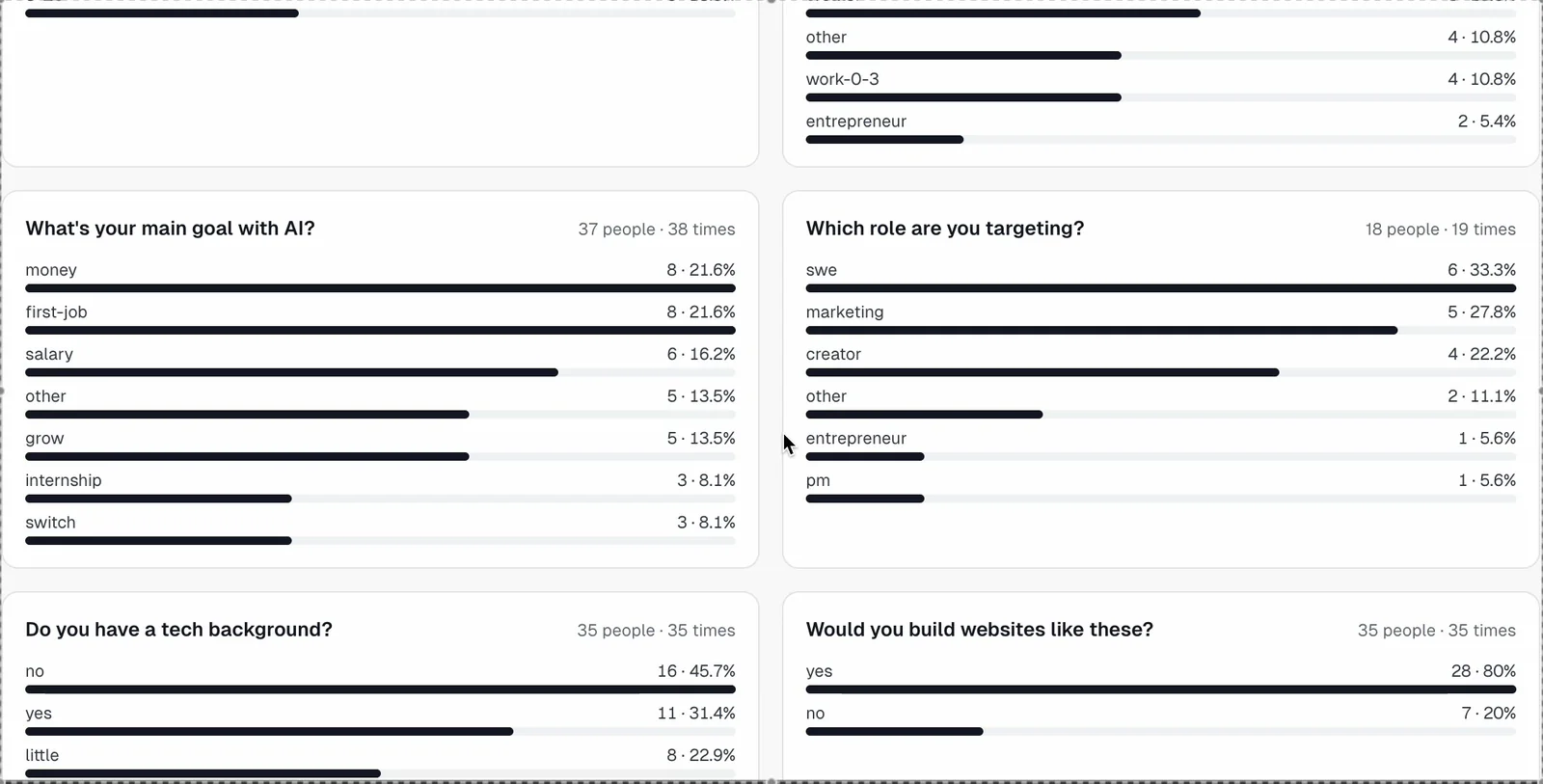
Build a dashboard for my Instagram page: followers, reach and saves for the last 30 days. Add 3 stat cards at the top and a line chart below. Use sample data.
More ideas: an EMI calculator, a habit tracker, a quiz on a chapter you're studying, a budget page with a pie chart.
2. Claude Design: one sentence, full design
Claude has its own design tool built in. Describe what you want and it lays out a complete design on a canvas: website pages, app screens, posters, social carousels and slides. You keep editing it by talking to it.
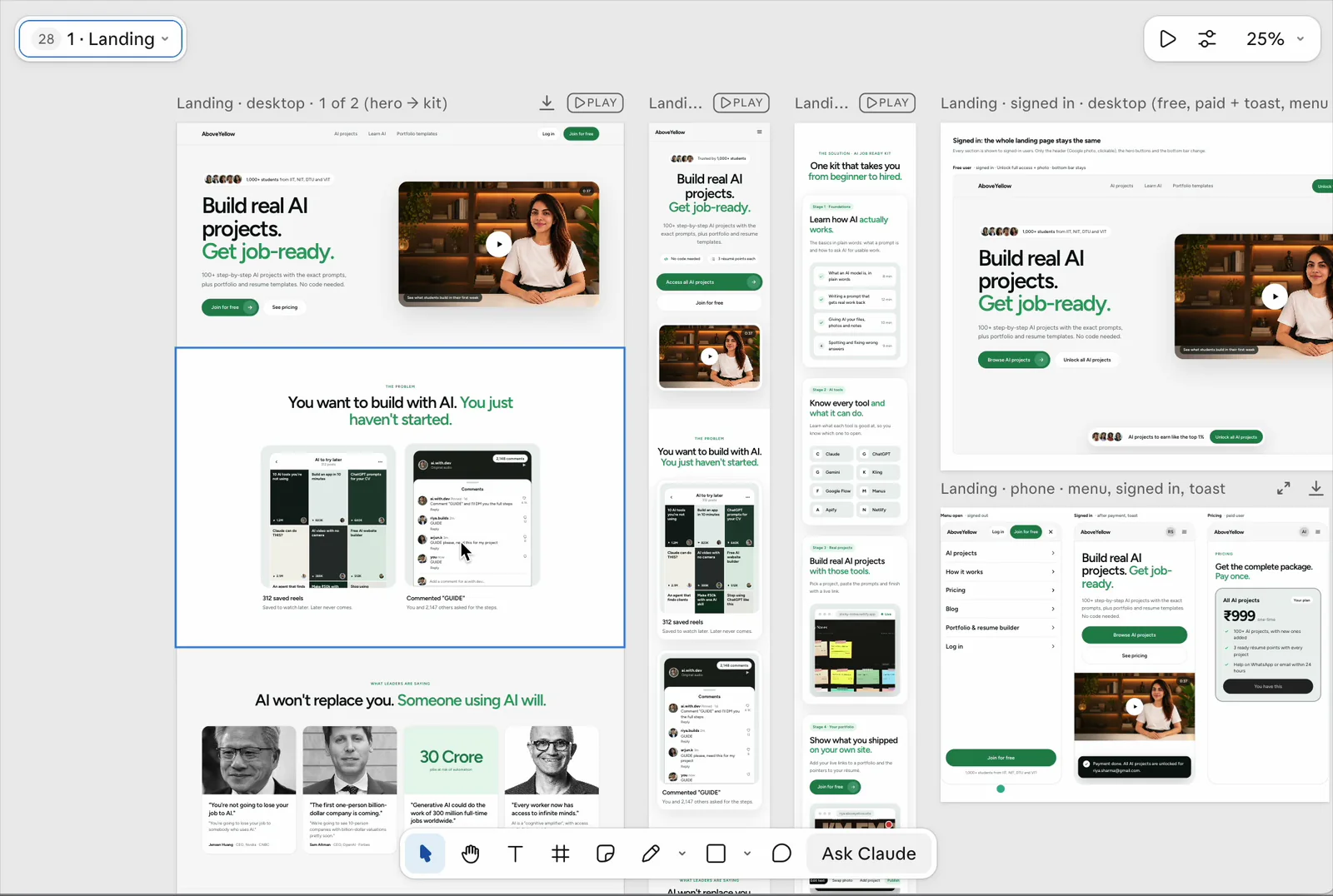
What makes it different: it's part of Claude itself, not a separate app you have to connect. As of 11 November 2026 it is on every plan, including Free, and works inside any chat (or Output → Design in the message box), the Artifacts tab, Claude Code and the mobile apps. The old standalone site at claude.ai/design closes on 14 December 2026.
Design a landing page for a home-baking business called Crumb & Co. Hero section, 3 bestsellers with prices, customer reviews, and an Order Now button. Warm, premium look.
- Give it your logo, brand colours or a screenshot of a style you like.
- Save your brand once as a design system, and every design comes out on-brand.
- Share any design with one link that opens on a phone.
3. Skills: write it once, use it forever
A skill is a saved set of instructions for one task. You write your instructions once, and from then on you type one command, like /reel-edit, and Claude follows your exact format every time. No long prompts, no re-explaining.
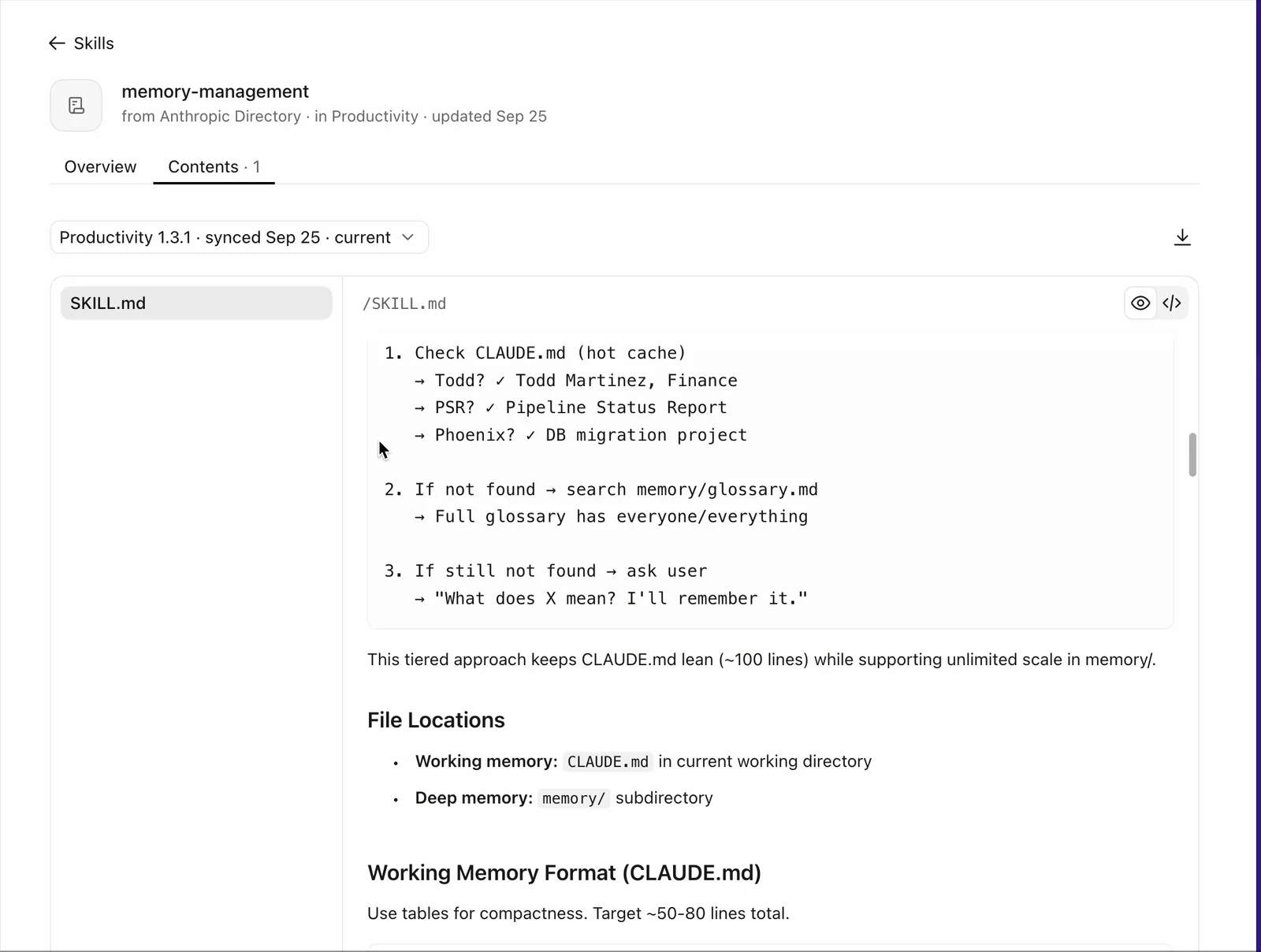
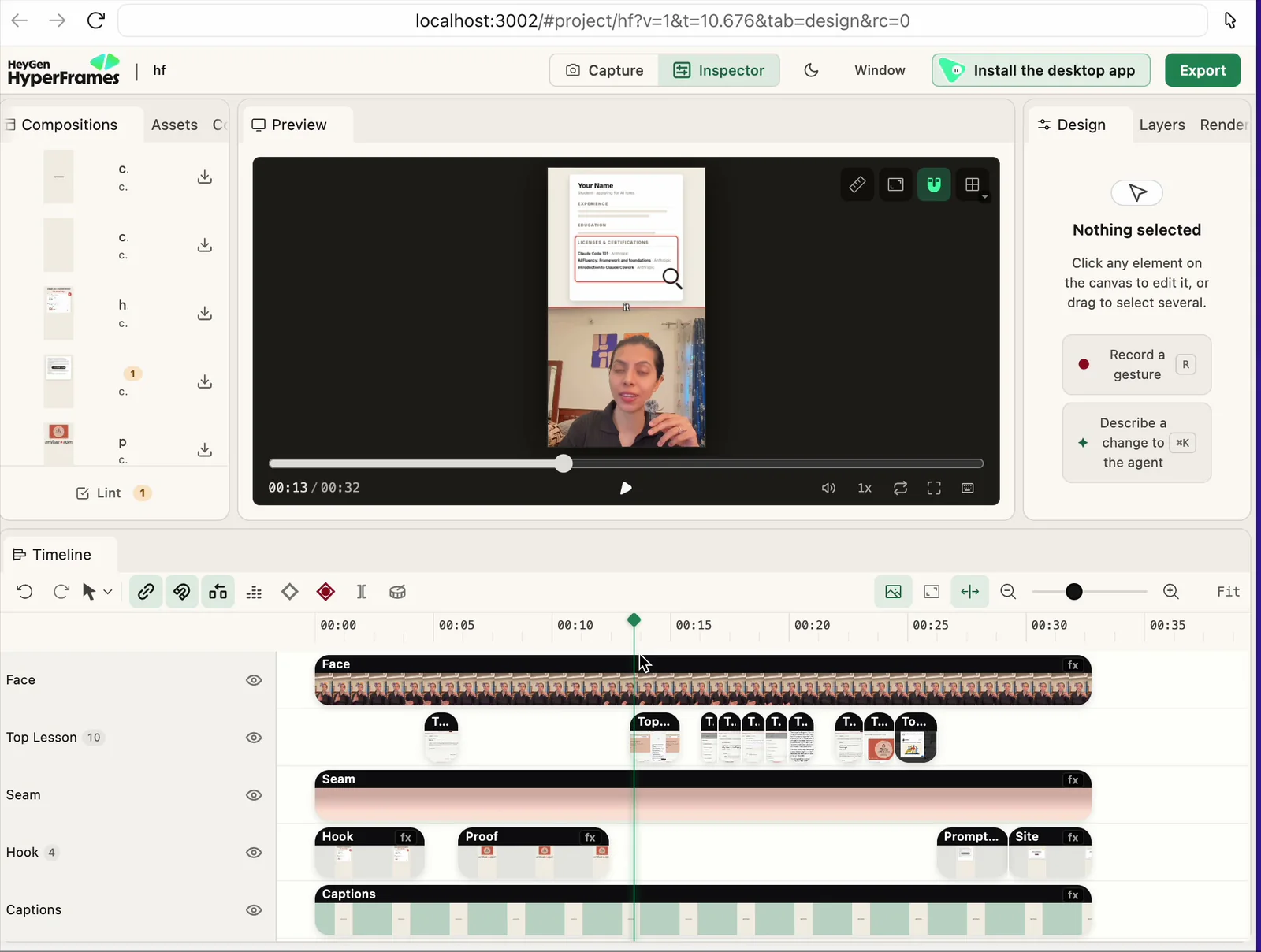
Real example: video editing. I wrote down exactly how I edit my reels: the caption style, the pacing, how cards appear, the end card. That's saved as a skill. Now I drop in raw footage, type one command, and Claude edits in my format. With video skills such as HyperFrames and Remotion in Claude Code (Pro and up), it can cut footage, add captions and animations, check the edit frame by frame, and render the final video.
What makes it different: Claude's skills work everywhere you use Claude: in a normal chat, in long tasks and in Claude Code.
Open the skill creator
Type /skill-creator (Anthropic's skill for building skills) in a new chat. Skills are on every plan, including Free.
Describe the job
Say: "I want a skill that [task] for [goal]. It is done well when [success criteria]."
Answer and save
Answer Claude's questions, then save the skill.
Use it
Type / and your skill's name. Already had a chat that went perfectly? At the end, say "Turn what we just did into a skill." On Pro, Max, Ultra and Team in Claude for Mac you can also click + → Record a skill and just do the task once.
Skill ideas: /weekly-update for your manager, /reel-script for a 30-second script with a hook, /lesson-plan in your school's format, /polite-no to decline requests in your voice.
4. Plugins: a whole toolkit in one click
If a skill is one recipe, a plugin is a whole cookbook. A plugin bundles several skills, the app connections they need, and ready slash commands for one kind of work. Install it once and you get everything.
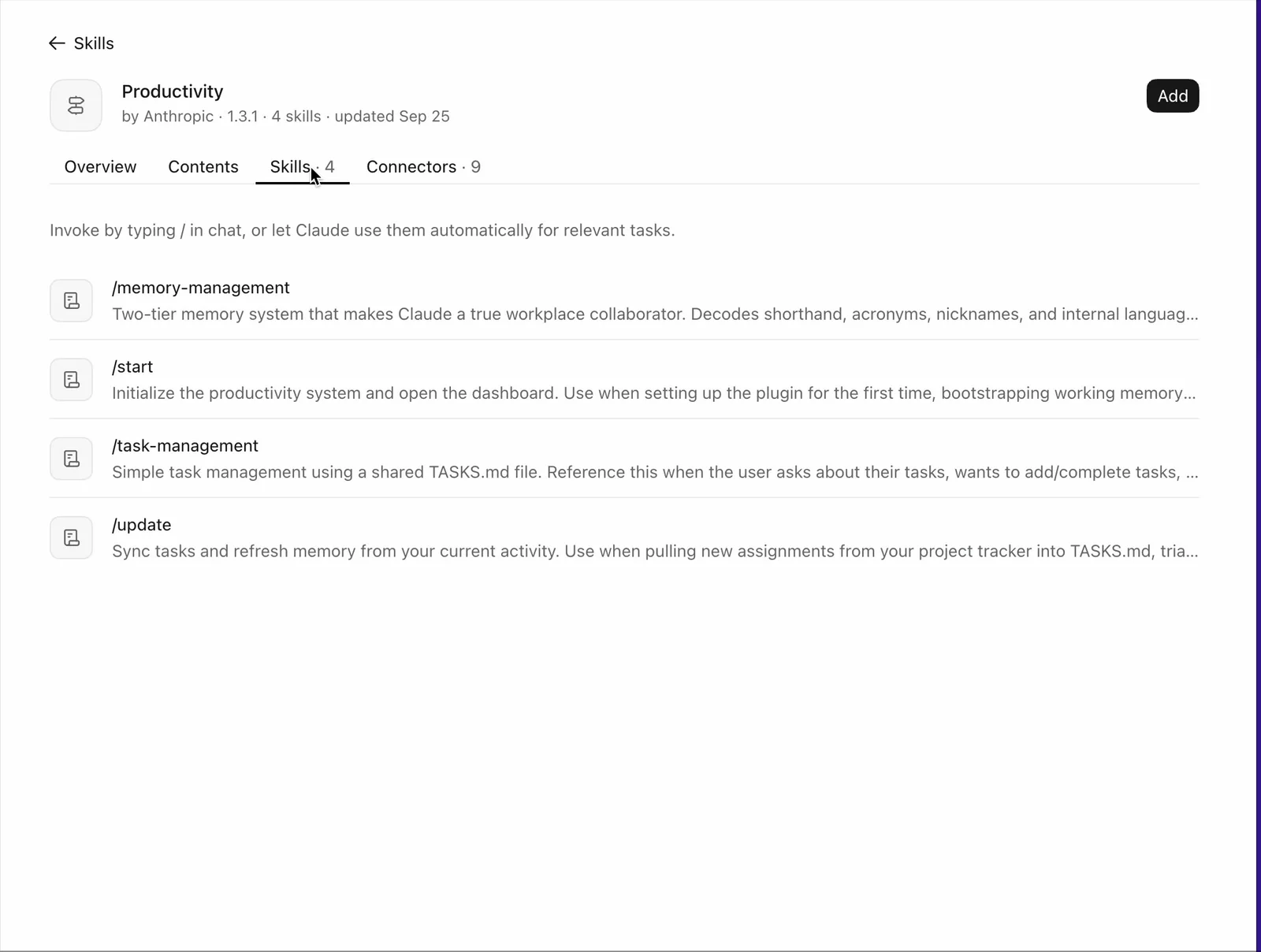
| Plugin for | What you might get inside |
|---|---|
| Marketing | Campaign planner, social post writer, brand-voice checker, performance report |
| Sales | Prospect research, call prep, follow-up emails, CRM connection |
| Finance | Invoice check, expense summary, monthly close checklist |
| Teaching | Lesson planner, worksheet maker, rubric builder |
How to install one: click Plugins in the sidebar (since November 2026 one page for plugins, skills and connectors), browse the directory, pick one for your job, click Install and connect any apps it asks for. Then type / in a new chat to see its commands.
/setup) asks about your work and suggests a plugin that matches it. Check the exact name in your / menu.5. Switching is easy: import your ChatGPT memory
The hardest part of switching AI tools is starting from zero: your new assistant doesn't know your job, your style or your projects. Claude can import what ChatGPT remembers about you, so it knows you from day one. This brings over ChatGPT's memory (the facts it has saved about you), not your full chat history.
Find Import memory
In Claude (web or desktop), open Settings → Your Claude (Settings → Memory in older layouts) and click Start import. It gives you a prompt to copy. Available on every plan, including Free.
Ask ChatGPT
Paste that prompt into ChatGPT. It lists everything it remembers about you.
Paste it back
Copy ChatGPT's answer, paste it into Claude and click Add to memory. Anthropic calls memory import experimental, and it can take a while to show up. You can review or edit it in Settings any time.
Can't find the import option? Do it by hand: ask ChatGPT "List everything you remember about me", then paste the answer into Claude with "Save all of this to your memory." Read the list first and delete anything you'd rather Claude didn't know.
Where ChatGPT is better
An honest comparison has two sides:
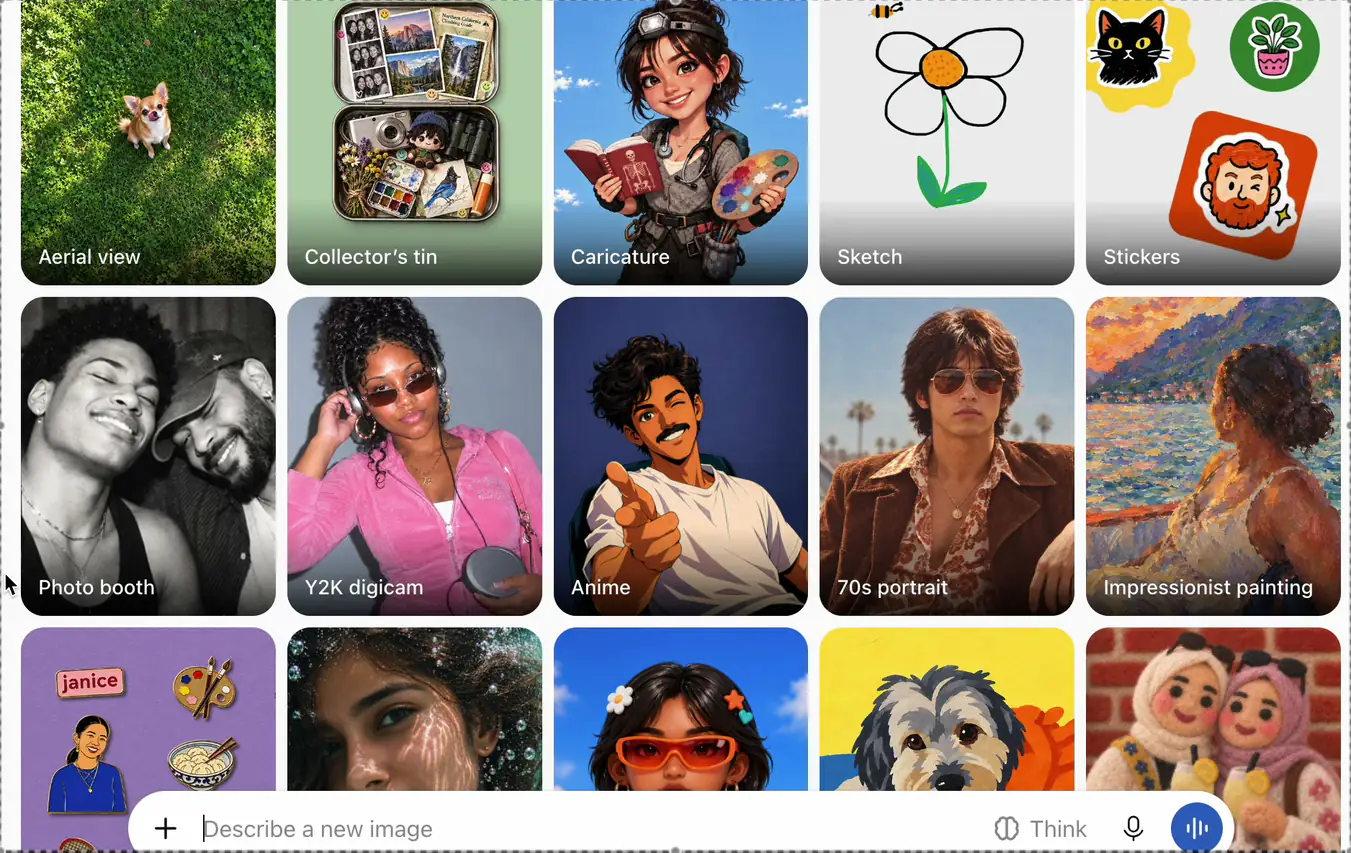
- Images. Claude can create images as charts, diagrams, interactive visuals and SVG graphics, design layouts in Claude Design, and make pictures through connected image tools. But it has no built-in photo or illustration model, so for photo-style images ChatGPT is much better.
- A bigger ecosystem. ChatGPT has been around longer and has more third-party add-ons and custom GPTs.
- It's catching up fast. ChatGPT now has its own skills and plugins too (its app directory became a Plugin Directory on 9 July 2026). The ideas are similar; what differs is how they work inside each app. Both products change every month, so test the features you care about.
Which one should you use?
| If you mainly want to… | Use |
|---|---|
| Build dashboards, mini apps and tools | Claude |
| Design websites, posts and decks | Claude |
| Repeat the same work in your exact format | Claude (skills) |
| Edit videos with code-based skills | Claude (Claude Code) |
| Generate photos and illustrations | ChatGPT |
Many people use both: Claude for thinking, writing, building and designing, and ChatGPT for images.
FAQ
Is Claude better than ChatGPT?
Neither is better at everything. Claude is stronger at building working artifacts, designs and reusable skills; ChatGPT is stronger at generating photos and illustrations. Many people use both.
Can Claude generate images?
Partly. Anthropic says Claude does not generate photos or illustrations the way image tools do, but it can build charts, diagrams, interactive visuals and SVG graphics, design layouts in Claude Design, and create images through connected image tools. For photo-realistic images, ChatGPT is stronger.
Is Claude free?
Yes. As of 11 November 2026, Claude's Free plan includes chat, web search, files, memory, skills, artifacts and Claude Design with limited usage. Pro costs $20 a month ($17 billed yearly) and adds Projects, Opus, scheduled tasks and Claude Code.
Can I move my ChatGPT memory to Claude?
Yes. Claude's Import memory option gives you a prompt to paste into ChatGPT; you paste ChatGPT's answer back into Claude and it saves those facts to memory. It moves what ChatGPT remembers about you, not your chat history.
Does ChatGPT have skills and plugins too?
Yes. ChatGPT has skills, and on 9 July 2026 its app directory became a Plugin Directory. The idea is similar in both; the difference is how they work inside each app, so try the features you care about in both.
Sources (checked 11 November 2026)
- Can Claude produce images? — Claude Help Center
- Get started with Claude Design
- How to create custom skills
- Manage plugins, skills and connectors from one Plugins page
- Import and export your memory
- Claude pricing
- OpenAI Help: apps and the Plugin Directory and Skills in ChatGPT
Want to learn Claude from scratch?
The complete guide takes you through 12 steps, from your first message to a Claude that works for you on its own.
Read the complete guide →