Turn Your Trip Photos Into a Painted Sketchbook Website
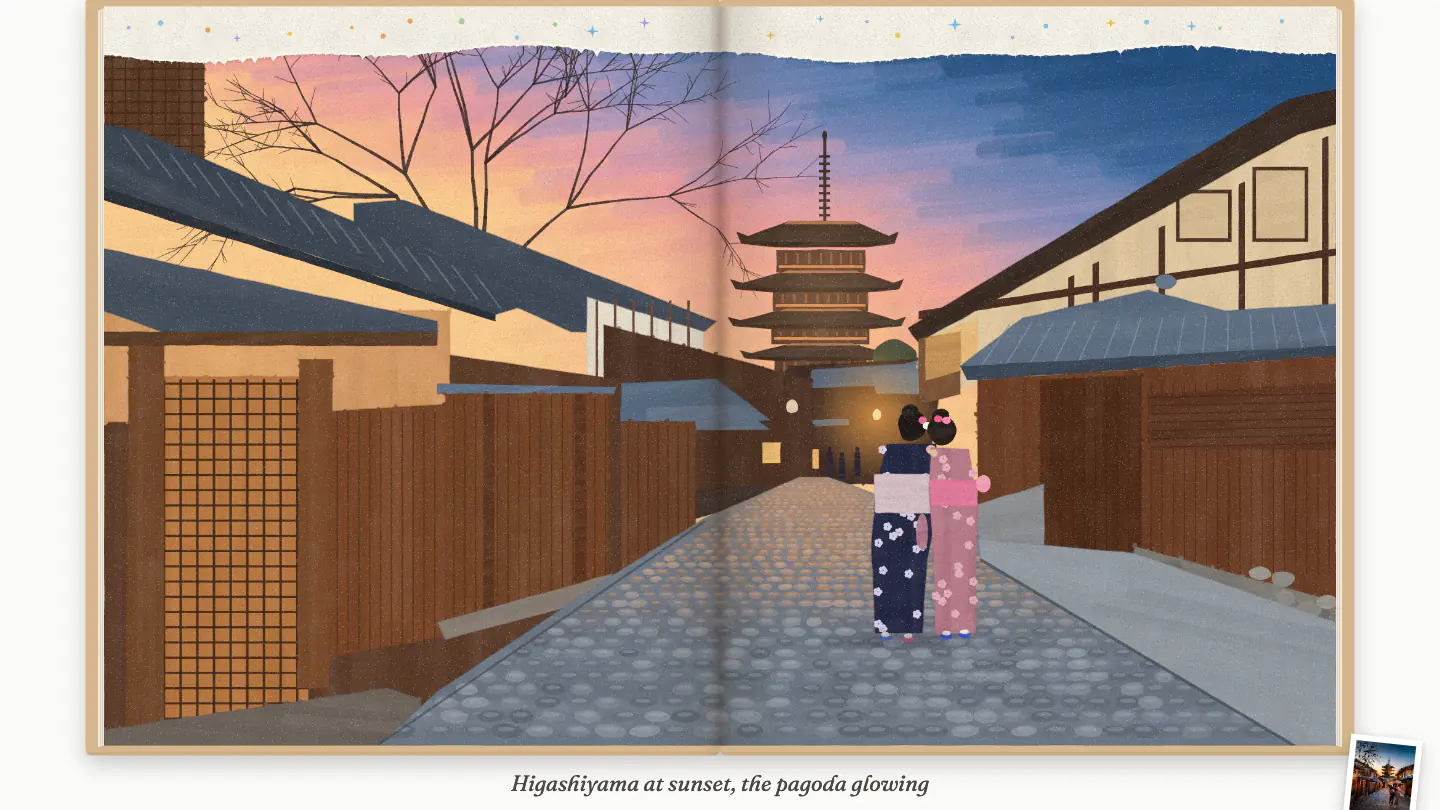
Turn trip photos into a painted sketchbook website with Claude Code: photos in Google Drive, notes in a Google Sheet, each page drawn in acrylic markers.
- 173
- people built it
- 6
- steps
- 1
- prompt
- About 4–5 hours
- to build
- Beginner
- level
- Website Building
- category
IN THE GUIDE
What you’ll get.
6Guided stepsIn the order they were run.
1Copy-ready promptPaste them in order.
₹How to monetize it4 ways to earn from it.
6Tools, connectedWhat each one does in the build.
FREE PREVIEW
Read the free preview.
TURN YOUR TRIP PHOTOS INTO A PAINTED SKETCHBOOK WEBSITE02
CONTENTS- Tools we used03
- 1. Put your photos in Google Drive05
- 2. Write your Google Sheet07
- 3. Install Claude Code09
- In the full guide11
ABOVE YELLOW · AI PROJECTTurn Your Trip Photos Into a Painted Sketchbook WebsiteTAP TO OPEN
ABOVE YELLOW01
Turn Your Trip Photos Into a Painted Sketchbook WebsiteA FIELD GUIDE
Scroll to open the book00 / 20
THE RESULT
What you’ll build.
Short videoComing soon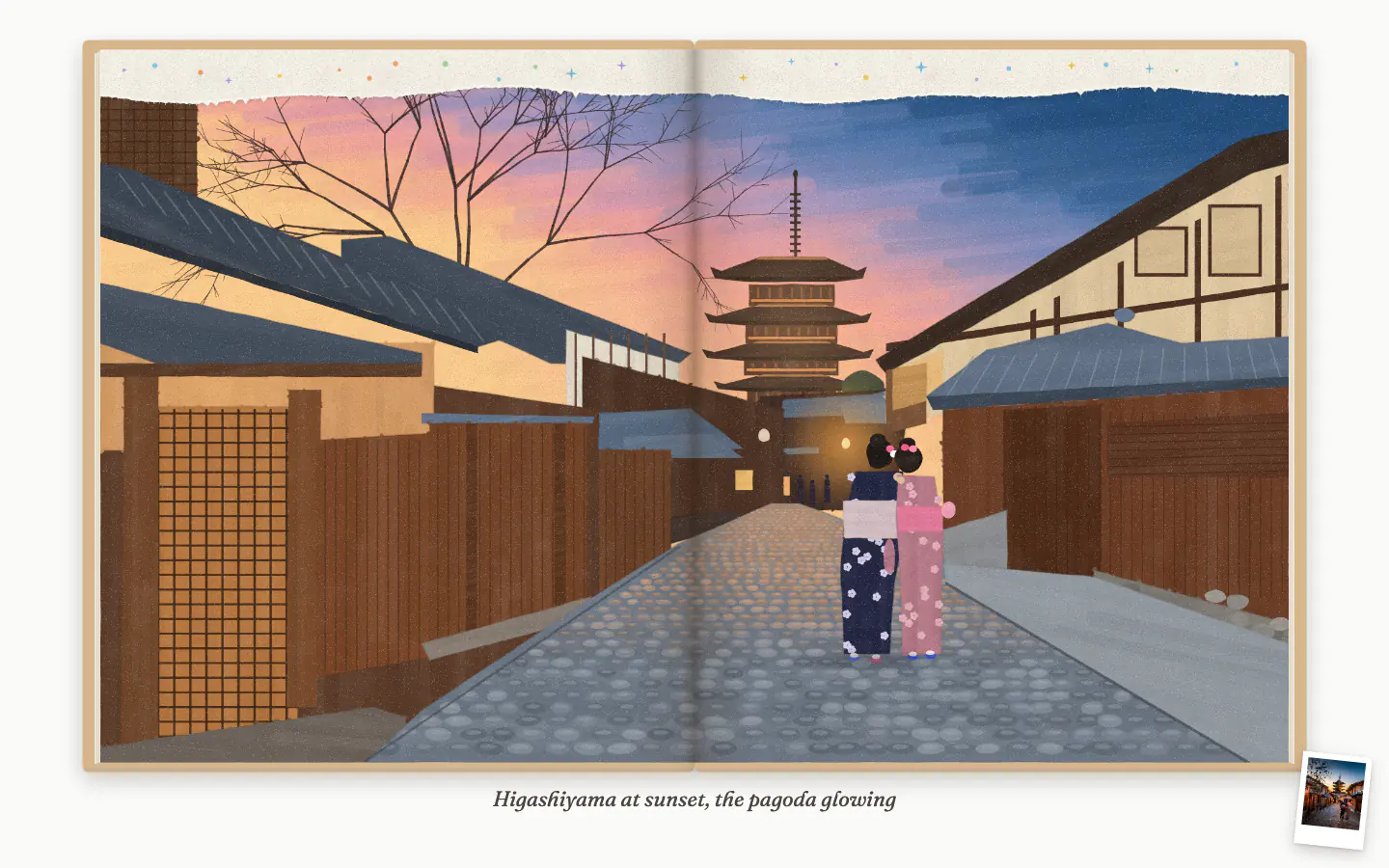
FAQ
Straight answers.
Does this need a database or a backend?
No. The finished book is an HTML file and a photos folder, and the paintings are drawn in the reader’s browser. The sheet and Drive are only read while Claude builds it.
Are the paintings AI images?
No image model is used. Claude studies each photo and writes the painting as drawing code, in the same acrylic-marker style on every page.
How many pages can it have?
As many as you have rows. 8 to 15 painted spreads reads best; each extra page adds 10 to 15 minutes to the build.
Do my photos have to stay public on Drive?
No. They only need to be shared while Claude downloads them at the start. After that you can set Drive back to Restricted.
Can I do it with Gemini?
Yes, with Gemini CLI and the same prompt. The paintings come from each model’s own judgement of the photo, so try page one in both.