SetupOpen your site in your AI builder
Open the project in Claude Code, Lovable, Bolt or Cursor. Work on a copy or a new branch so you can go back.
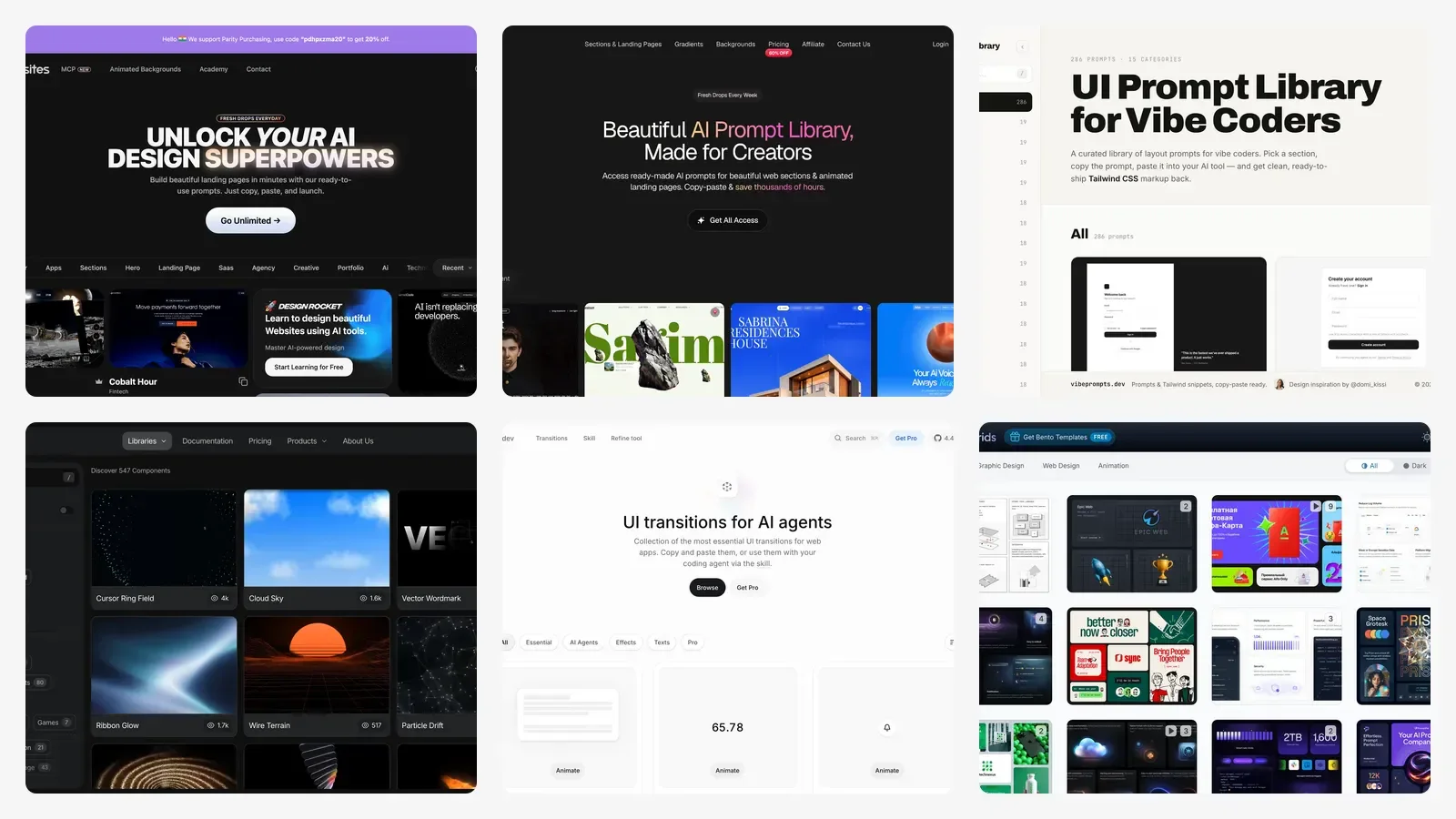
14 prompt libraries and design galleries, from MotionSites to Transitions.dev, that turn a boring vibe-coded website into a modern one, with the prompts.
Open the project in Claude Code, Lovable, Bolt or Cursor. Work on a copy or a new branch so you can go back.
Prompt 1 lists what makes each section look generic and the five changes that matter most. Nothing changes yet.
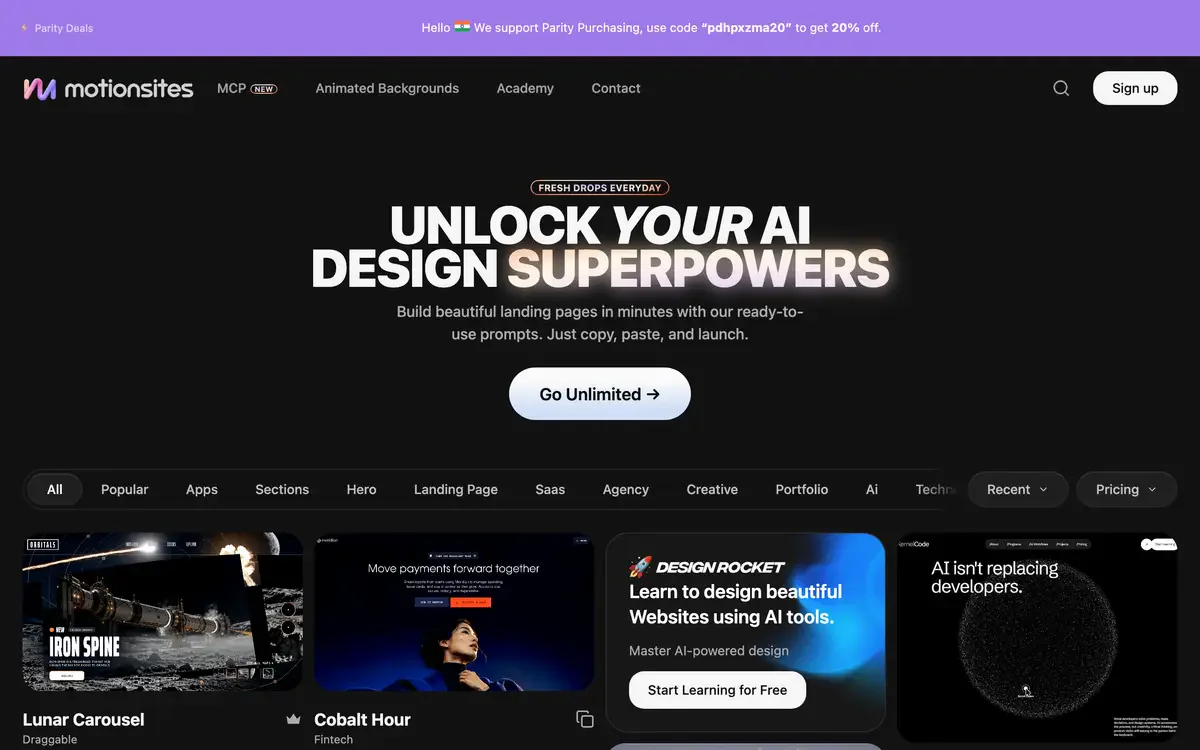
Browse MotionSites, SceneAI or VibePrompts and copy one prompt for the whole site. One reference, not three.
Paste the copied prompt into prompt 2. It changes the fonts, colours, spacing and layout and keeps all your words.
Screenshot a navbar, footer, CTA, bento grid or 404 page from the galleries and rebuild that one section with prompt 3.
Install the free transitions (npx transitions-dev add --free), borrow a detail from 60fps or Originkit, and run prompt 4.
Open every page at phone width and with reduced motion turned on. Fix one thing at a time in one sentence each.
Describe your site scene by scene in OpenMotion, export the video and post it with a before-and-after.
Look at every page of this website as a senior web designer would. Do not change any code yet.

List what makes it look generic or AI-made, section by section: the fonts, the colours, the spacing, the hero, the navbar, the cards, the call to action, the footer and the 404 page. For each one, say in one line what a modern, premium version would do instead.

Then give me the five changes that would make the biggest difference, in order.
Recommended for you