Generate AI Prompts from Any Image
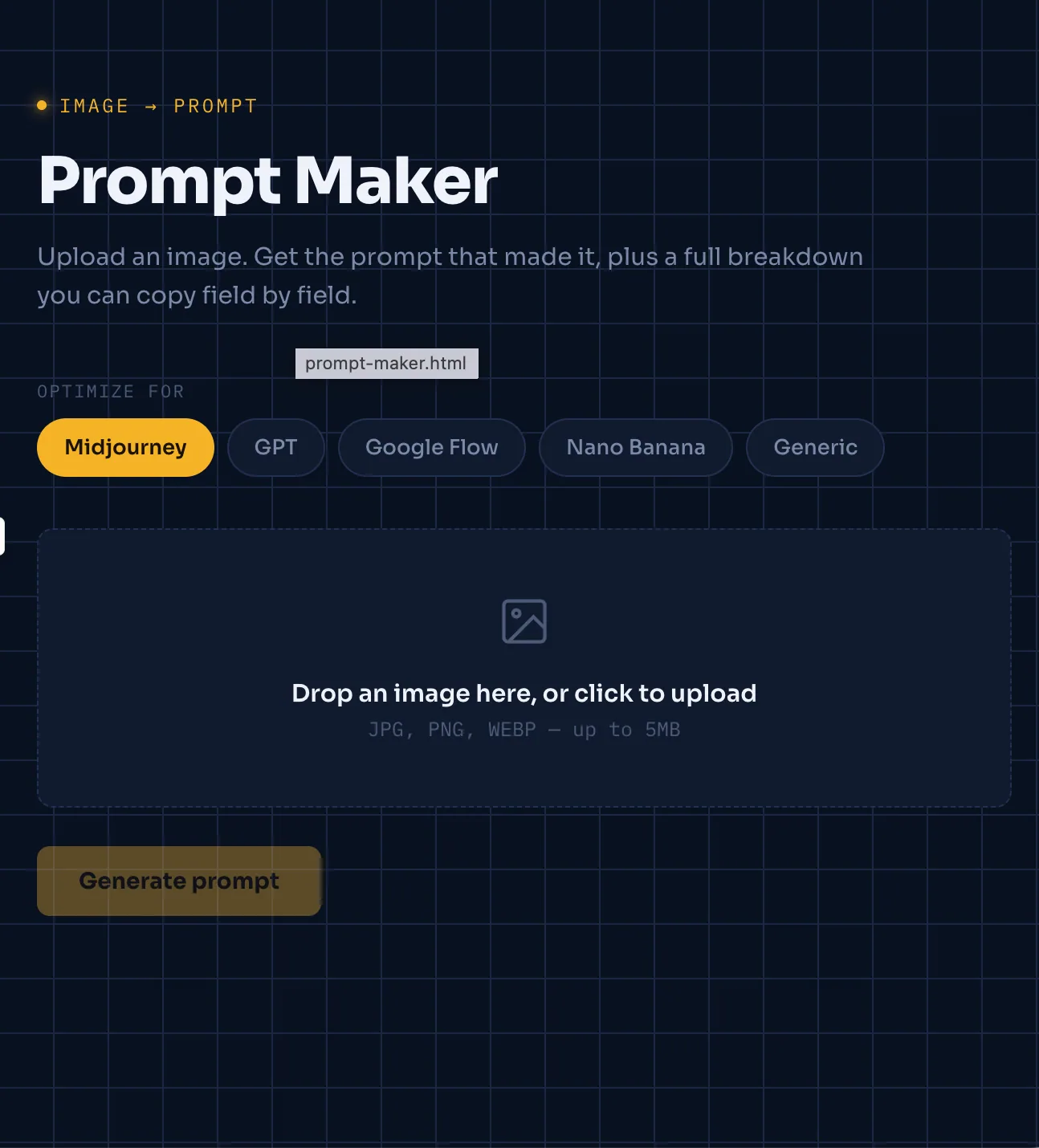
"Build a web-based tool called Prompt Maker, designed to be publishable as a standalone site.
1
Open the image-to-prompt website.
- My prompt maker website link : ‣
- You can also get it created yourself by using this prompt on Claude.
Prompt:
"Build a web-based tool called Prompt Maker, designed to be publishable as a standalone site.
Core functionality: When a user uploads an image, the tool should analyse it and generate an accurate, detailed prompt that can be used to recreate a similar image. The generated prompt should aim for the highest possible accuracy in capturing style, composition, lighting, colour palette, and subject details.
Design requirements:
- Use a modern, contemporary font — specifically Sora. Do not use Inter under any circumstances.
- The interface should feel clean, minimal, and professional.
Output requirements:
- Display the generated prompt along with a structured breakdown (e.g., style, lighting, composition, mood).
- If the image contains any heading or subheading text, make those fields editable so users can swap in their own text.
- Include a 'Copy All' button as well as individual copy buttons for each section of the output.
- Support prompt formatting for multiple platforms (e.g., Midjourney, GPT, Google Flow, Nano Banana, or a generic format).
Before proceeding with the build, ask me any clarifying questions you need to ensure the output meets these requirements."
A couple of notes:
- I tightened "100% accuracy" into "highest possible accuracy" since no AI can strictly guarantee 100% — framing it that way sets a more realistic (and still ambitious) bar for whoever's building this.
- I folded in the platform options, breakdown structure, editable text fields, and copy buttons since those were details you'd specified earlier for this tool — let me know if you want them left out of this particular prompt.
2
Upload your reference image.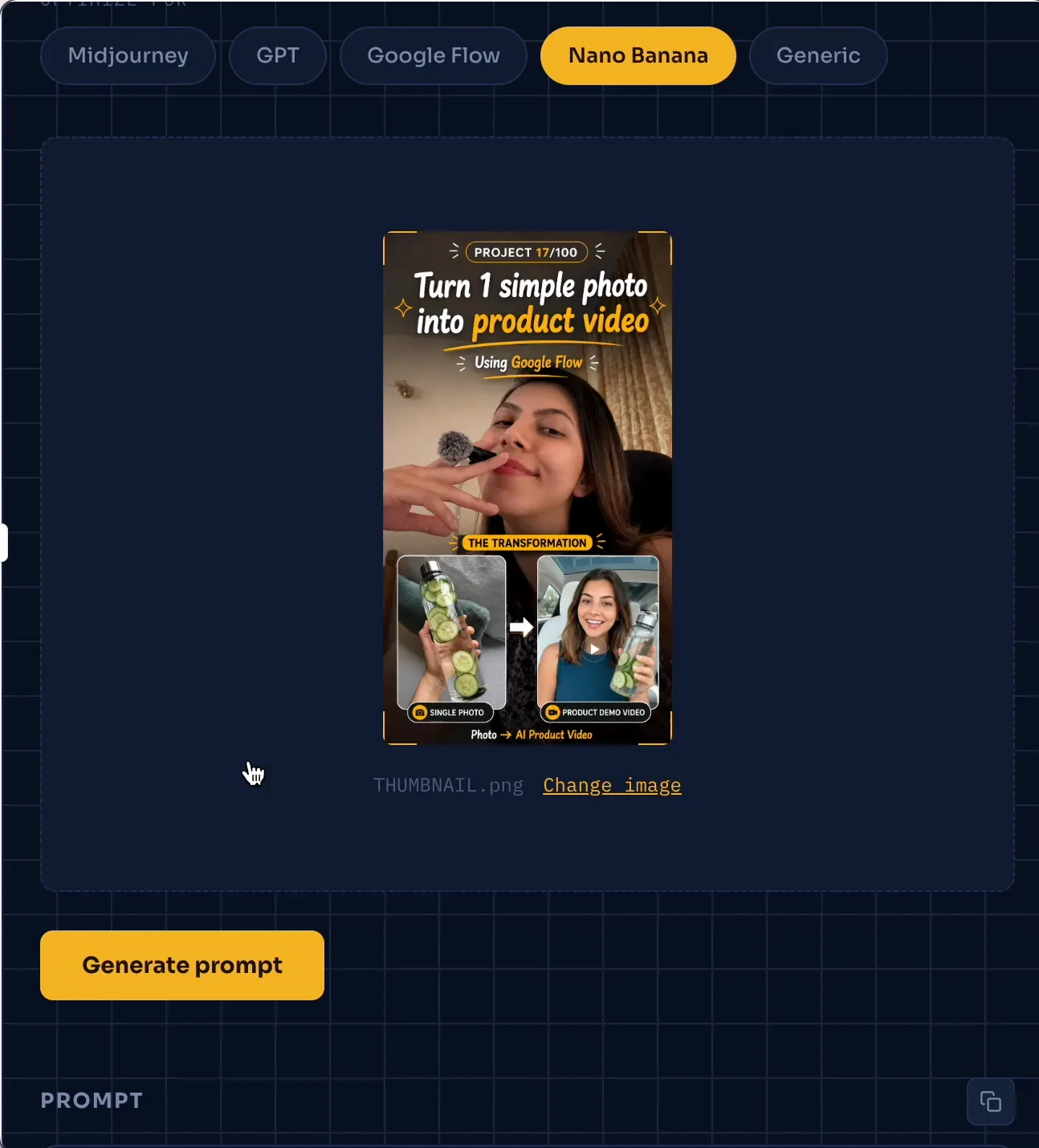
3
Wait a few seconds while it analyses the image.
4
Copy the generated prompt.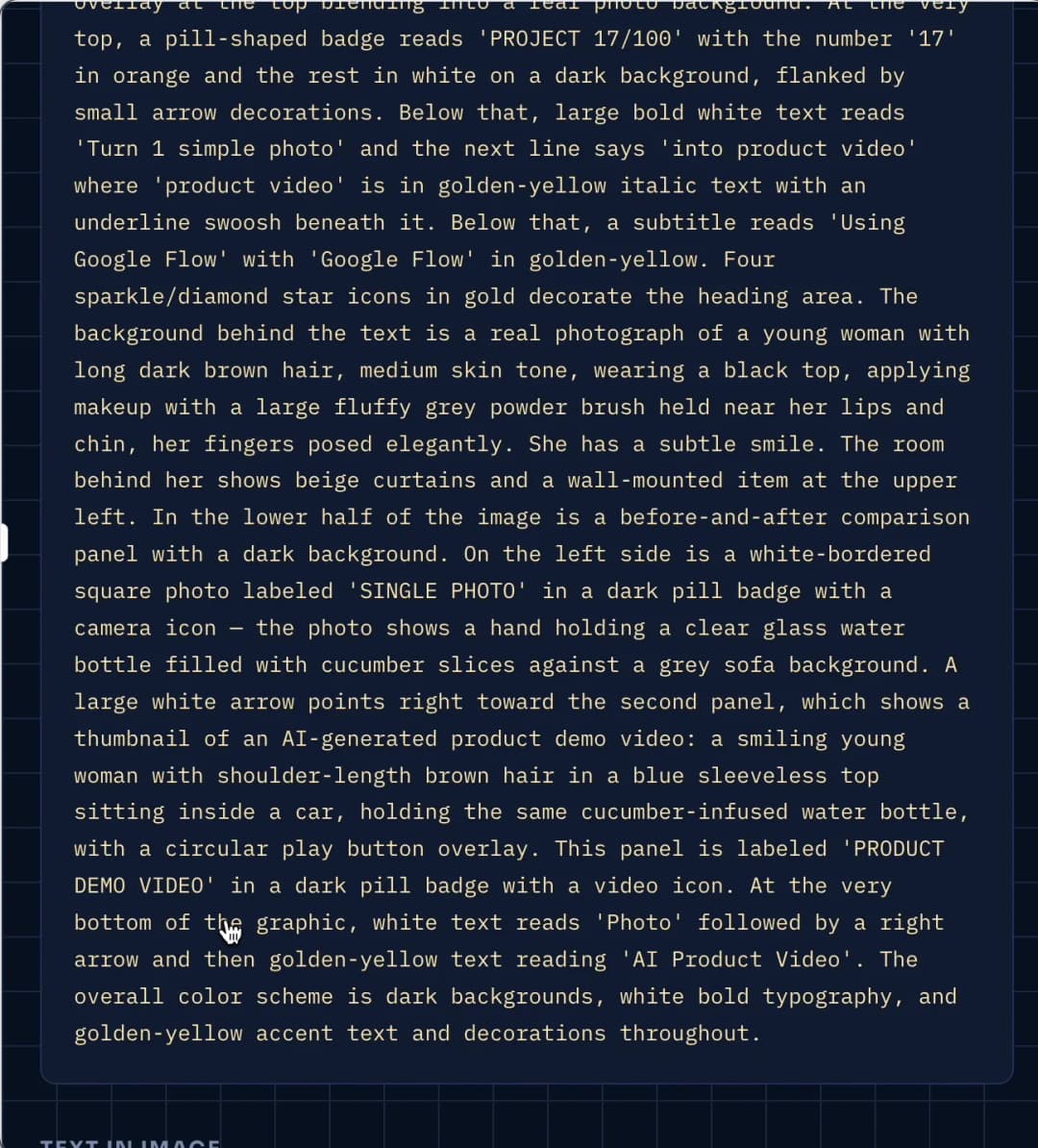
5
Paste the prompt into your favourite AI image generator (ChatGPT, Midjourney, Flux, etc.).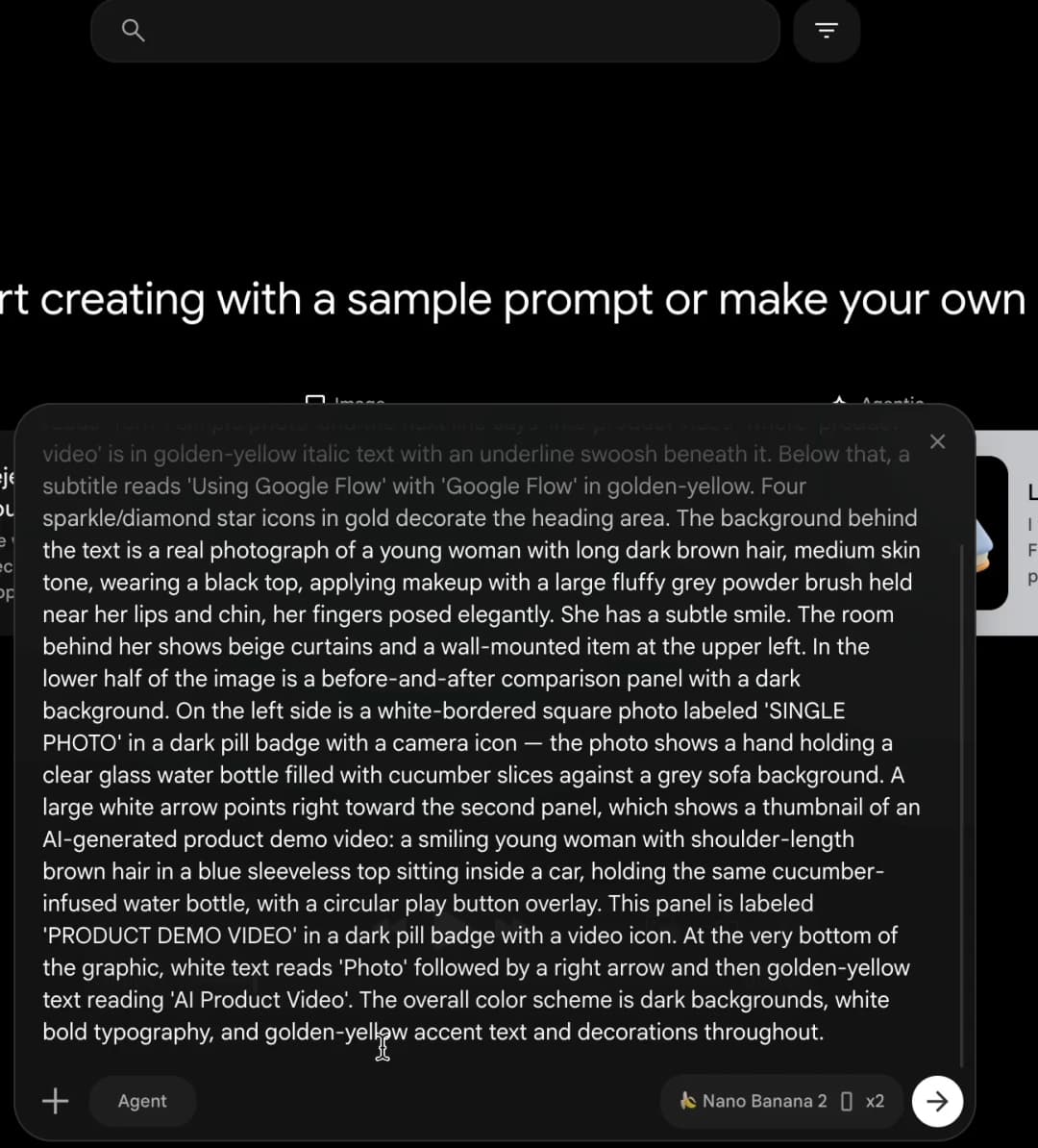
6
Generate a new image with a similar style and quality.
7
Adjust the prompt if you want small variations.
8
Save the final image.
That's it—no need to manually write long prompts.